How the booth with a friend works
It is the same free browser photo booth, built for two devices in two places:
- Create a room and allow the camera.
- Send the link — by message, mail or the video call you are already on.
- Your friend opens it on a phone or laptop and allows the camera. You now see each other live. Nothing to install, no account.
- Pick an effect and press start. One countdown runs on both screens, and both devices take their shot at the same moment — four times.
- Save the shared strip. Both devices build the same strip: each row is one moment, your photo on the left, your friend's on the right. Download it, share it or keep it in the on-device gallery.
All booth effects work except Challenge (it needs everyone in one room to read the task). Several people can squeeze in front of each camera, so two households or two dorm rooms work just as well as two people.

Shared strip · a new look per round
Try this look
Occasions that turn a call into a keepsake
- Birthday from afar. Join a few minutes early and take the first strip before the cake on the other end.
- The friend who moved away. Their first evening in the new city, your usual sofa on the other side of the strip.
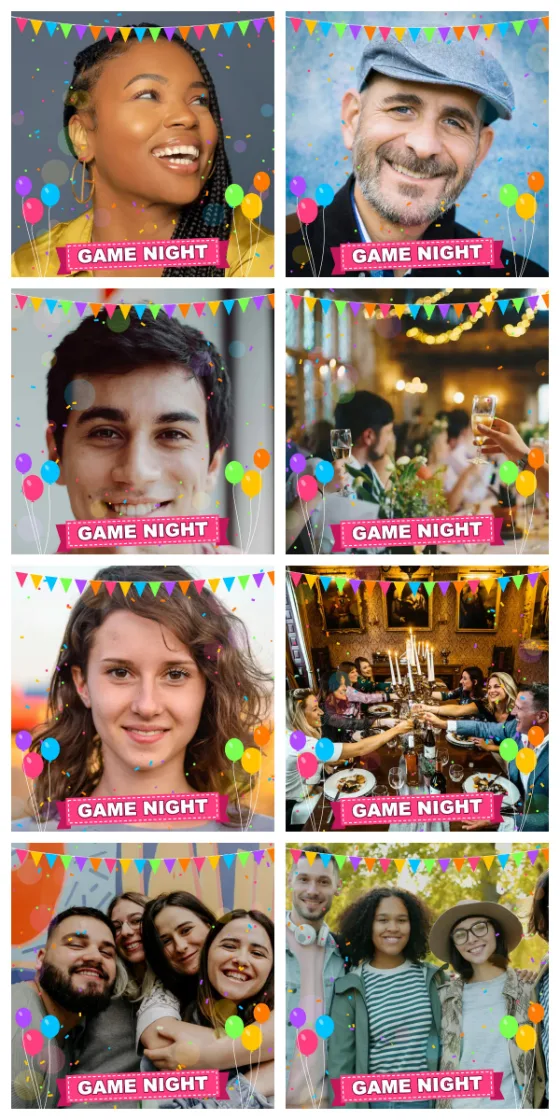
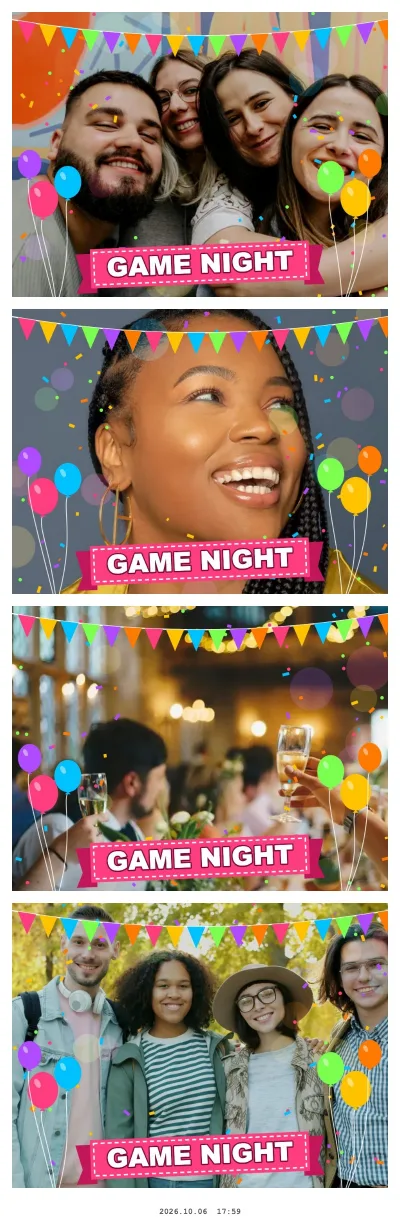
- Game night or watch party across two homes. One strip at the start, one at the end, when everyone is louder.
- Roommates or siblings who split up for studies. One strip per semester makes a nice series.
- Theme rounds. Same hat, same mug, same colour on both ends — the side-by-side rows make the match obvious.
If you are all in the same place, you don't need a room: one phone or tablet with the regular booth is enough.

Pets on both ends · Random mix style
Try this look
Poses that work across two screens
Classic booth poses (squeezing in, arms around each other) don't translate to two cameras. Mirrored ones do, because each row shows both of you next to each other:
| Shot | Idea |
|---|---|
| 1 | Lean toward the inner edge, as if you were standing shoulder to shoulder |
| 2 | Point at each other: you point right, your friend points left |
| 3 | Hold up something from your home: a pet, a plant, tonight's dinner |
| 4 | Jaw drop on three, or the silliest face wins |
Say the plan out loud before you press start. Four rounds go fast, and a pair that knows the sequence gets a much better strip.
Quick setup on each side
- Light from the front. Face a window or put a lamp behind the screen; a bright window behind you makes a silhouette.
- Camera at eye level. A laptop on a stack of books or a phone leaned against something stable beats holding it.
- A good connection. Home Wi-Fi works best. Some company and mobile networks block direct connections between devices; if the booth can't connect, try another network.
- Battery. Plug the phone in if you plan several rounds.
Privacy: device to device, setup data gone after 2 hours
The two browsers connect directly to each other (WebRTC, encrypted). Live video and photos travel only between your two devices — they are never uploaded to our server. Our server only passes on the setup data the browsers need to find each other (network addresses); each browser deletes its part as soon as you are connected, and everything left is deleted after 2 hours at the latest.
The room link is the key: anyone who has it can join while the room is open, so send it only to the friend you want in the strip. The finished strip is stored only where each of you saves it.