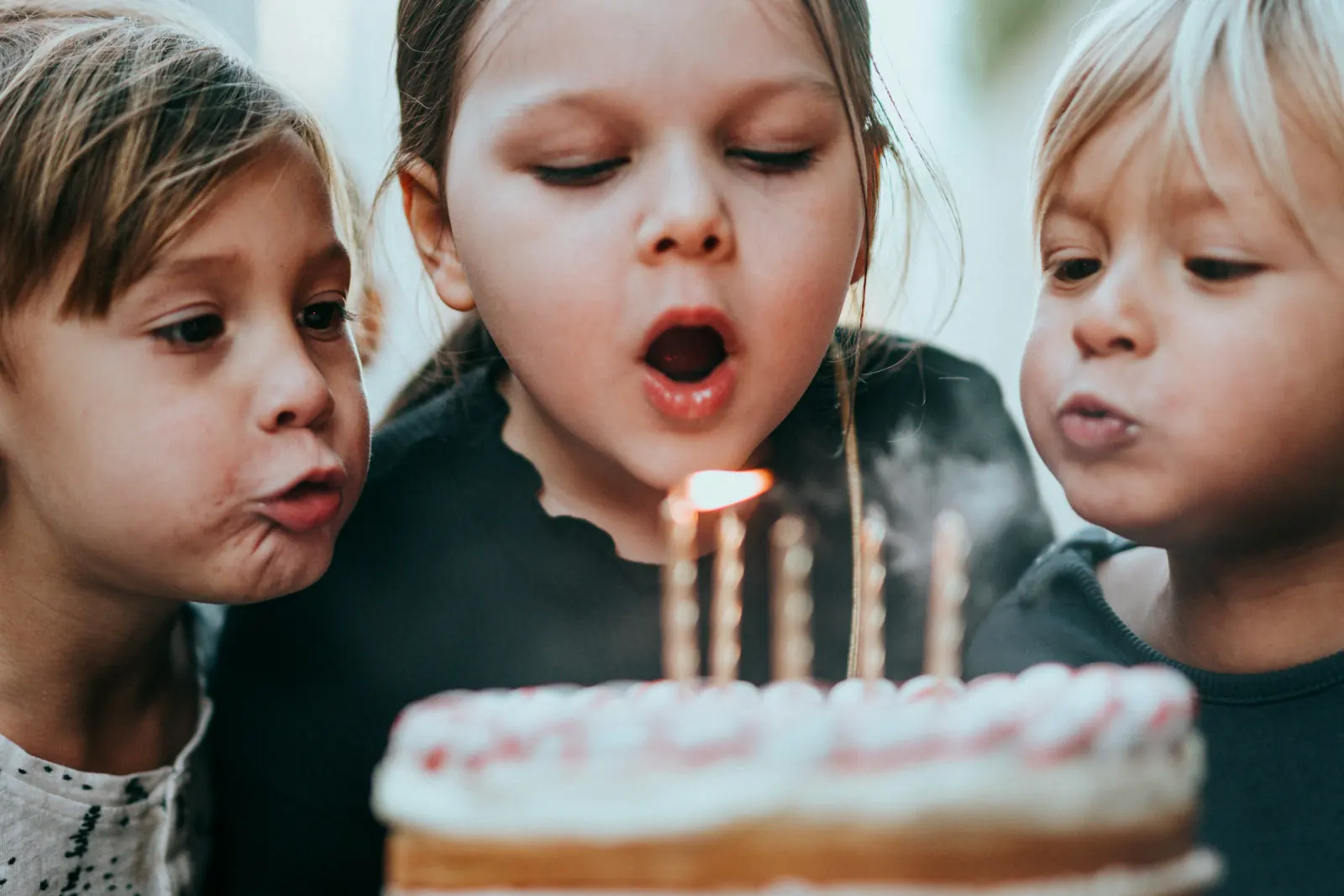
A photo booth is the one birthday activity that works for a six-year-old and a sixty-year-old alike, but the setup that makes each group actually use it is very different. Kids need speed and silliness, an 18th needs something that looks good on a phone, a 50th needs flattering light and a frame the guests will print. This guide covers the setup for each age, which of the 15 effects fits which party, how to turn Challenge mode into a game, a station plan for a living room, and a checklist you can print.
All of it works with a laptop or Android phone and Photobooth Free, the free online photo booth: four countdown photos, one effect, one of three collage layouts, and a JPEG that stays on your device.
Quick reference by age
| Party | Best effect | Layout | Props (pick 4–6) | Session length |
|---|---|---|---|---|
| Kids 4–10 | Wanted poster, Party | Square | Animal masks, oversized glasses, foam crowns, a cape | 60–90 min, supervised |
| Teens & 18th | Social-post frame, Challenge mode | Column | Neon glasses, LED letters, blank speech bubbles | Whole evening, self-service |
| 30th | Magazine cover, Breaking News | Square or Column | "Still 29" sign, retro sunglasses, a fake trophy | Whole evening |
| 40th & 50th | Vintage film, Instant photo | Postcard | Feather boa, top hat, year-of-birth sign, vinyl record | 2–3 h, host-assisted |
Kids' birthday (4–10 years)
Children do not read instructions and do not wait. Build for that:
- Effect: the Wanted poster is a reliable hit. Kids understand "outlaw" instantly, and the sepia frame hides sticky faces. The Party effect is the colorful alternative for younger children.
- Layout: Square. The 2×2 grid is easy for parents to view on a phone and works for the thank-you message afterwards.
- Props: masks and hats only, nothing with small parts. Four to six items keep the table tidy.
- Height: put the camera at about 100–110 cm for primary-school children, lower for preschoolers.
- Supervision: one adult stays at the station to start each session and download the result.
- Flow: two children per session, with the birthday child allowed in every group.
18th birthday
An 18th is a phone-first party. Guests will post the results within minutes, so optimize for vertical screens:
- Effect: the Social-post frame for a clean look, or Challenge mode so groups get a random pose prompt with a 10-second countdown before each shot. Challenge mode fixes the usual problem of six friends doing the same peace sign four times.
- Layout: Column. The vertical strip fills a Story without cropping and looks like the popular self-photo-studio strips.
- Props: minimal. LED letters or numbers spelling 18, a few pairs of tinted glasses, blank speech bubbles with a whiteboard marker.
- Self-service: no adult needed at the station. Write the three-step flow on a card next to the laptop: pick effect, start, download.
Our photo strip guide explains how to print the Column strips as 2×6 in pairs.
30th birthday
Thirties parties tend to mix friend groups who do not know each other. The booth is an icebreaker, and the humor can be a notch sharper:
- Effect: Magazine cover turns the birthday person into a cover story, and the custom text becomes the headline ("30 and still not a morning person"). Breaking News works for the same joke in a different visual style.
- Layout: Square for messaging, Column if most guests will post Stories.
- Props: a "Still 29" or "Thirty, flirty" sign, a fake award statuette, retro sunglasses, a champagne-bottle prop.
40th and 50th birthday
Guests at a 50th appreciate flattering light more than a wild frame, and many will want a print rather than a Story:
- Effect: Vintage film gives skin tones a soft, warm rendering and matches a 1970s birth year visually. Instant photo is the neutral option that works with any decor.
- Layout: Postcard. The A6 landscape format is made for printing and close to a standard print size.
- Props: keep them elegant. A feather boa, a top hat, a sign with the birth year, a vinyl record or an old rotary phone. Avoid props that hide the face; the point at this age is the people.
- Light: more important than at any other party. Two soft lamps at 45 degrees left and right of the device, at face height. Avoid overhead light; it deepens lines under the eyes.
- Assistance: a host or a designated helper starts sessions and downloads collages, so older guests do not have to touch the laptop.
Challenge mode as a party game
Challenge mode shows a random pose prompt before each of the four photos and gives the group 10 seconds to get into position. It is the simplest way to turn the booth into an activity rather than a queue:
- Divide guests into teams of 3–5 as they arrive.
- Each team gets one Challenge session. No retakes allowed for the game round.
- The host collects the JPEGs and shows them on a TV or laptop after dinner.
- Everyone votes on the best interpretation of a prompt. The winning team picks the next song.
For kids, drop the voting and give every team a sticker.
Station plan for a home party
A living-room booth needs less space than most hosts expect:
| Element | Requirement |
|---|---|
| Floor space | About 2×2 m: 1 m from device to guests, 1 m from guests to the backdrop |
| Device | Laptop with webcam at eye height of the target group, or an Android phone on a tripod |
| Light | Two lamps or one lamp plus a window in front of the guests, none behind them |
| Power | One socket or extension cord for the device; tape the cable to the floor |
| Backdrop | Curtain, balloon arch, or a plain wall; 1.5–2 m wide for groups of four |
| Props | Small table or basket next to the device, out of the frame |
| Instructions | One card with the three-step flow |
Turn off screen timeout and notifications, plug the device in, and do a full test session in the room's evening light before guests arrive. For general placement and privacy tips, see our photo booth tips for the perfect party, and for building a backdrop from what you own, the DIY photo booth ideas.
Collecting everyone's collages afterwards
The booth processes photos locally and never uploads anything, so each collage is a JPEG on the booth device. To get them to guests:
- Single device: if all sessions ran on your laptop, the Downloads folder holds every collage. Drop them into a shared cloud folder, and send one link the next morning.
- Guests' own phones: if guests used their own Android phones, ask them to forward the JPEG to a group chat right at the booth. A sign with the chat name helps.
- Live gallery: if you want guests to also share their own party photos in one place, a separate tool such as Guest Pictures (https://guest-pictures.com) lets them scan a QR code and upload to a shared live gallery.
Printable planning checklist
Two weeks before
- Pick effect, layout, and custom text for the age group
- Order or gather 4–6 props
- Decide on the backdrop and check the wall space
One day before
- Test the full four-photo session in the party room at party time
- Charge the device, prepare the extension cord and tape
- Print the instruction card and the queue marker
Party day
- Set up device at the right height, lamps at 45 degrees
- Turn off notifications and screen timeout
- Do one live test and open the downloaded JPEG
- Assign a helper (kids, 40th and above)
Day after
- Collect JPEGs into one folder
- Send the link or the group message
- Order prints for the milestone birthdays
FAQ
Which photo booth effect is best for a kids' birthday?
The Wanted poster is the most reliable choice for ages 4–10; the Party effect is the colorful alternative. Use the Square layout and keep an adult at the station.
What do I need for a photo booth at a 50th birthday?
A laptop with a webcam at face height, two soft lamps, a neutral backdrop, a few elegant props, and the Vintage film or Instant photo effect with the Postcard layout for printing.
Does the birthday photo booth need an app or signup?
No. Photobooth Free runs in the browser on laptops, tablets, Android phones, iPhones and iPads with no download or account.
How do guests get their photos after the party?
Each collage is downloaded as a JPEG on the booth device. Collect them in one folder and share a link, or have guests send their JPEGs to a group chat at the booth.
How long does one session take?
About one minute: choosing an effect, four photos with a 3-second countdown each, and the download. Plan for 40–60 sessions over a three-hour party.
Steffen Knödler
Our editorial team checks every guide against the current workflow and feature set of the free browser photo booth.
About the product and editorial processTry These Tips Yourself!
Ready to create amazing photos with all the effects mentioned in this article? Try our free photo booth now!