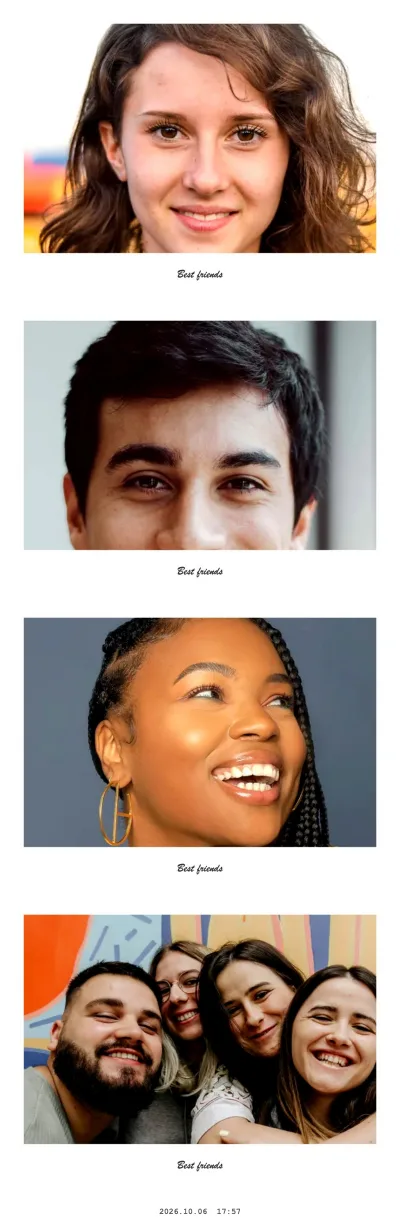
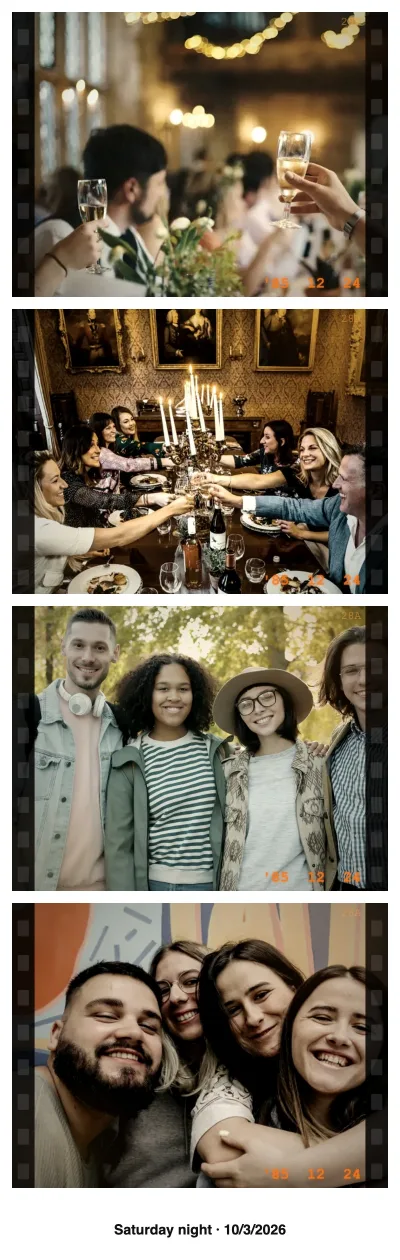

How the strip maker works
- Open the booth in strip mode. The button above preselects the Column layout: four photos stacked vertically. Every shot is captured in the exact shape of one strip cell, so nothing is cropped later.
- Allow the camera. A laptop webcam, an Android phone, an iPhone or an iPad then shows a live preview.
- Pick a look. Instant photo, Vintage Film and Social post suit strips best; Random mix puts a different effect on every shot.
- Shoot four photos. Each one starts with a 3, 5 or 10 second countdown. With a live camera the shot is kept automatically after about two seconds unless you tap Retake.
- Decorate it (optional). After the fourth photo you can add stickers and text, switch the white frame to a colour or a pattern, or place your own PNG such as a logo — or simply skip.
- Save it. Download the JPEG, use Share / Save on a phone to put it in your photo library, or press Print.
Strip sizes at a glance
The classic booth strip is 2×6 inches (5×15 cm), a 1:3 ratio. The booth's Column strip matches it:
| What you download | Pixels | Prints as |
|---|---|---|
| Strip, no extras | 800 × 2400 | Exactly 2×6 in at 400 dpi |
| Strip with date stamp | 800 × 2444 | 2×6 in with a slim white band |
| Strip with caption line | 800 × 2520 | 2×6 in with a text band |
| Four single shots | Camera resolution, 1.32:1 | Any size you like |
The Print button opens your browser's print dialog with the page already set to 2×6 in, so a printer that takes strip paper needs no further setup.
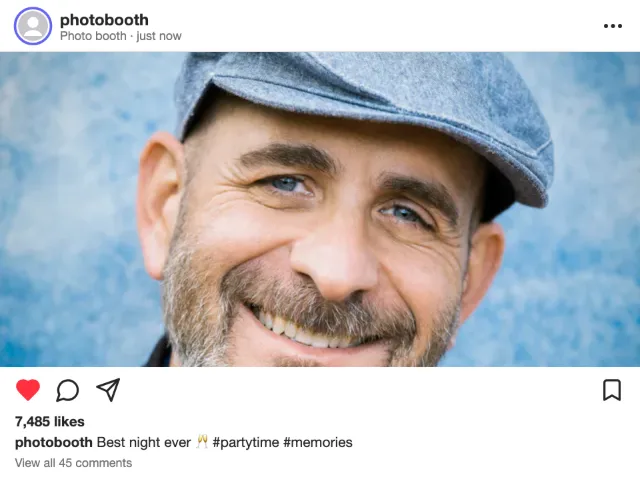
One of the four single shots · Social post effect
Try this look
Two strips on one 4×6 print
Most home printers and photo kiosks print 4×6 in (10×15 cm), not 2×6 in. The booth handles that for you: on a Column strip, the Print menu offers
- 2 strips on 4×6 in — prints two copies side by side on one 4×6 sheet, with small cut marks at the top and bottom edge;
- Save 4×6 sheet (JPEG) — the same sheet as a 1200 × 1800 px file (300 dpi) for printer apps, a photo kiosk or an online print order.
Print at 100 % with auto-crop or "fill" switched off, then cut down the middle: one strip for you, one for a friend. If you prefer a printed border around the photos, the free photo strip templates come as 4×6 sheets for your image editor.
Date stamp, caption, frame and stickers
A few small settings make a strip look like it came out of a real booth:
- Date & time stamp prints the date and time in small type in the bottom band, like an analog booth print.
- Caption under the collage adds your own text and the date as one line under the photos — a name, a place, an occasion.
- Your text on the frame is used by the effects themselves: the handwritten line on Instant photo, the headline on Breaking News, the handle on Social post.
- Decorate step: frame colours (white, black, pink, sky blue, mint, lavender, cream) and patterns (polka dots, checkerboard, stripes, graph paper, hearts, recycled paper, starry night), the booth's own stickers, extra text, and your own image — a PNG with a transparent background works best. It is all processed on your device.
Keep the text short. Around 25 characters stay readable on a strip that is only two inches wide.
Single photos for your own layout
After the strip, Single photos gives you the four shots as separate JPEGs: a share sheet on phones, a ZIP file on computers. They are captured in the strip cell shape (1.32:1), which is also the window shape of our templates — so they drop into a template frame without cropping.
For the full walkthrough with poses, Stories and printing at a kiosk, read the photo strip guide.