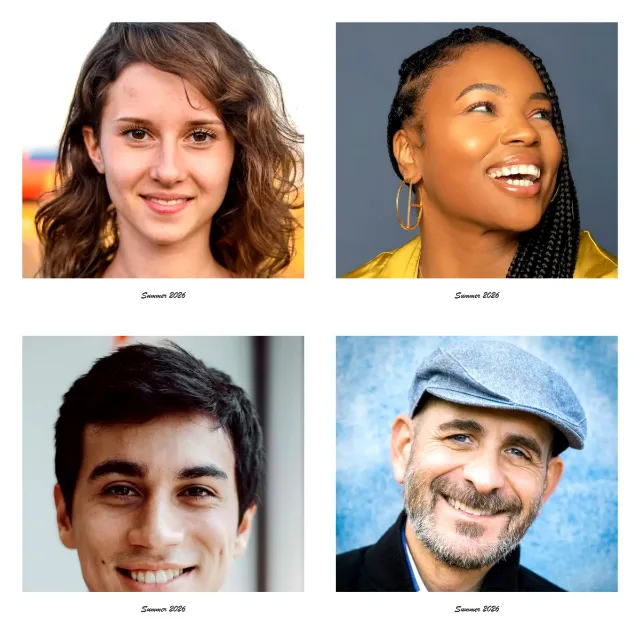
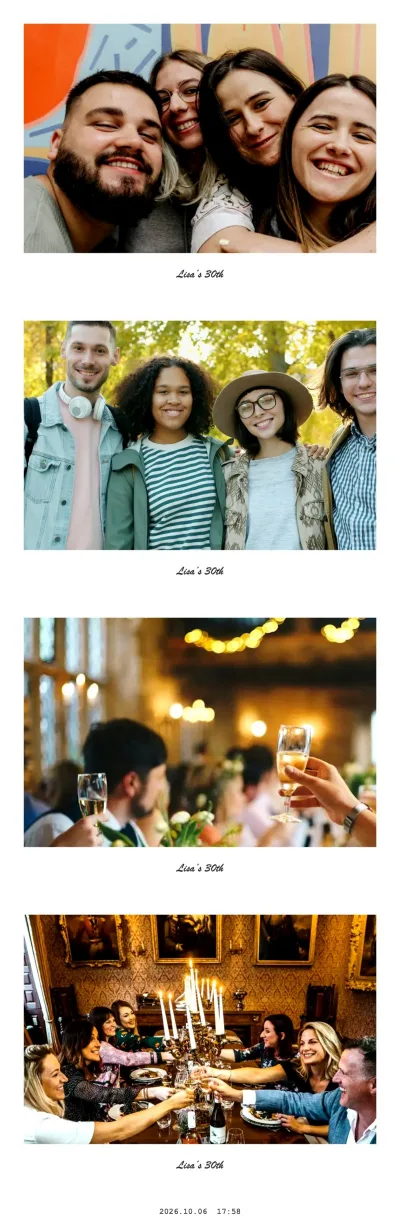
What the instant-photo frame looks like
The effect is deliberately simple, because that is what makes instant photos recognisable:
- A white border on the top and both sides of each shot
- A much deeper border at the bottom, the space you would write on with a marker
- Your caption in that bottom border, in a handwriting-style script, centred
- A slightly brighter, crisper picture, so faces stand out against the white
If you leave the text empty, the bottom border stays blank — clean, and ready for a real pen if you print it. In a 2×2 collage or a strip, every one of the four shots gets its own frame, so the result looks like four instant photos laid out side by side.
Caption ideas that fit the frame
The handwriting is written at a fixed size, so short captions look best — roughly up to 20 characters. Some that work:
| Occasion | Caption |
|---|---|
| Wedding | Anna & Ben · 06.09. |
| Birthday | Lisa’s 30th |
| Baby or bridal shower | Hello, little one |
| Holiday with friends | Lisbon 2026 |
| Office party | Team Q4 |
| Just because | Best day ever |
The same text appears on all four frames, so pick something that reads well four times. Names plus a date are the classic choice; inside jokes work for friends.
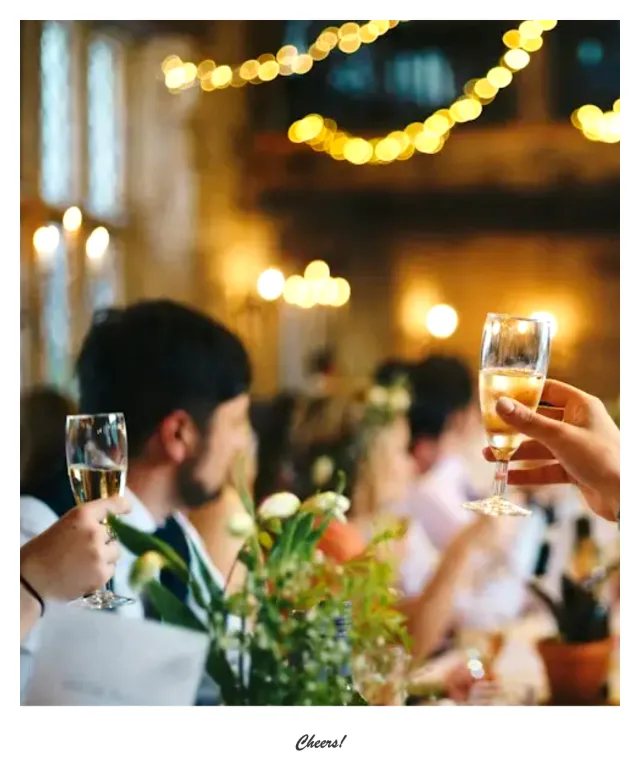
Instant photo · single shot
Try this look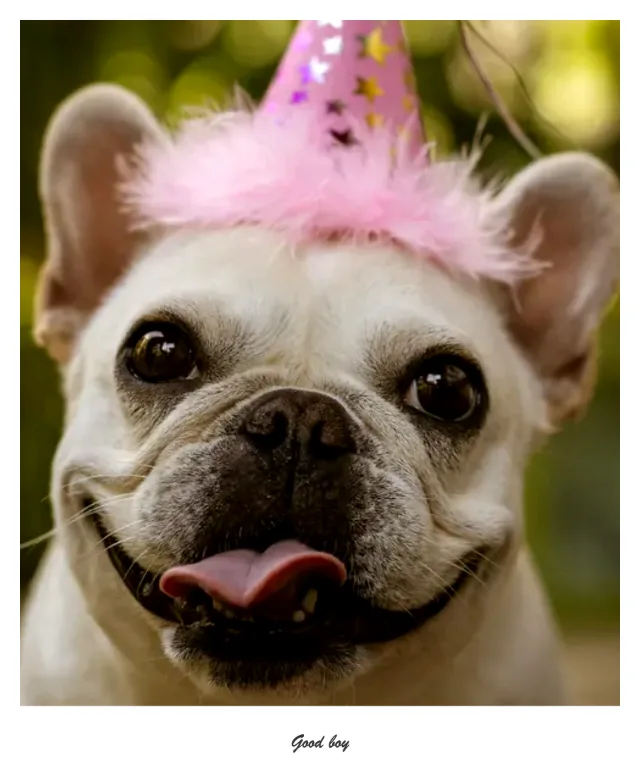
Instant photo · single shot
Try this look
For weddings, showers and birthdays
Instant frames are the safest effect for mixed crowds: they flatter everyone, nobody is turned into a joke, and the result looks right both on a phone and on paper.
- Guest book: set up a tablet in event mode, ask guests to take a strip, print the single framed shots and stick them into the guest book next to their message.
- Table cards: use the Postcard layout with a caption under the collage, print at A6 and send them as thank-you cards after the party.
- Photo wall: print a stack of framed single shots and pin them to a string with small clips.
Event mode keeps the settings locked, so the caption stays the same for every guest. See the wedding photo booth guide for placement, light and a day-of checklist.
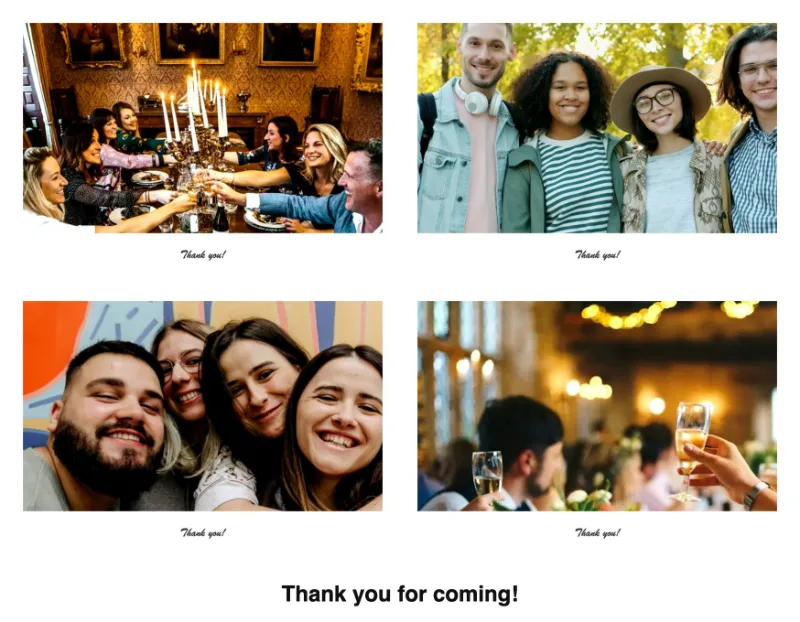
Instant photo · Postcard with caption
Try this look
Single shots, strip or collage
After the four photos, the booth offers several exports:
- The collage in the layout you chose — 2×2 square, photo strip or postcard — as one JPEG.
- Single photos: the four framed shots as separate files. These are the ones to print as individual “instant photos”.
- Print: opens the print dialog at the right page size — 5×5.5 in for the square, 2×6 in for the strip, A6 for the postcard. A strip can also go two to a sheet: 2 strips on 4×6 in.
On a phone, “Share / Save” opens the share sheet, where you can save the image to your photo library or send it straight to a chat.
A note on the name
Polaroid is a trademark of its owner. Photobooth Free is not affiliated with or endorsed by Polaroid; “polaroid-style” only describes the white instant-photo frame. The booth makes digital JPEGs and does not print on instant film — any printer or photo kiosk works.